

Each phase of this BPMS cyclic process is important, as with any process, it starts off with the development and testing of the process. At this point, business analysts are involved in understanding and transforming manual process requirements into a digital process. Once the process is fully tested, it's deployed for execution.
Once the process starts executing, it starts to collect execution data that can be analyzed and optimized to become more efficient. Processes in each industry are domain specific, so they vary in many ways. An employee on-boarding human resources process is very different from a prescription processing process or a manufacturing plant shut down process. Each company may have a variety of these processes within their organization.
From a higher perspective, the above operations of the BPMS cyclic process break down into 3 high level categories:
- Business process modeling (BPM) - the design and modeling phase of the process
- Workflow - deployment and execution of the process
- Business activity monitoring (BAM) - analyze and optimization of the process
Workflow is only ONE part of business process management system (iBPMS).
What does FlowWright offer for BPM Software? We provide everything, and more, that you will need to automate your manual processes into digital processes.
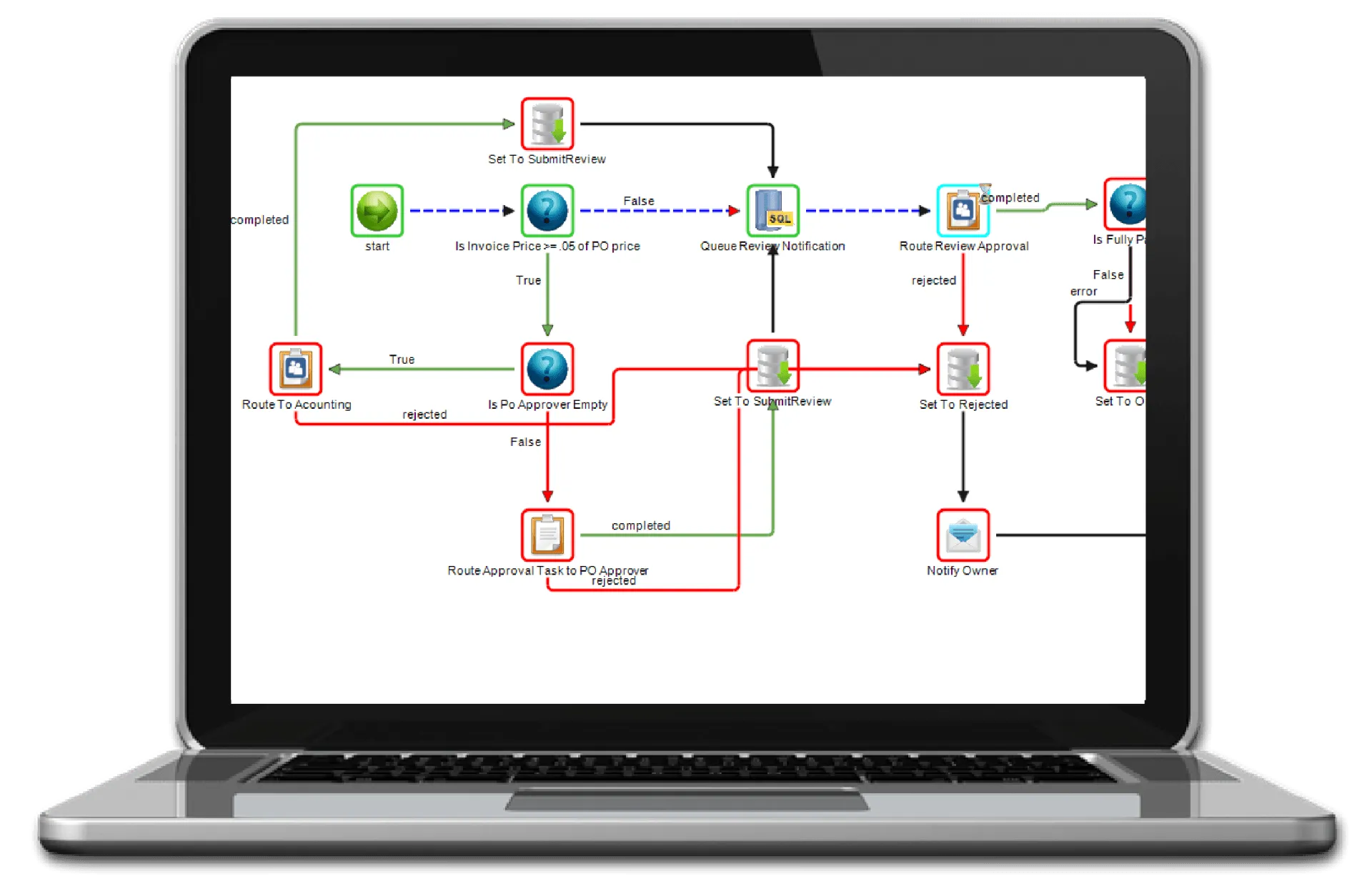
Based on the above diagram, here are the main modules within FlowWright that reflect the BPM life cycle:
- Design & Model - FlowWright combines many of the items within the process to simplify the digital process transformation. Use the modern HTML5 based graphical workflow designer to design and build digital process.
- Develop, Test & Deploy - The previous step took care of this step also in the life cycle.
- Execute - Use the FlowWright workflow engine to execute the process. FlowWright provides 5 different engines to process different functionality within the product. Engines process workflows, forms, statistics, archival, events and more.
- Analyze & Optimize - FlowWright offers a powerful set of business intelligence tools including an API to get to this data. External business intelligence tools can be also used.
Other business process management tools on the market separate the design of the process from the execution, but FlowWright BPM software simplifies this by combining the design within the execution. What that means is, what you design as a process within the graphical workflow designer is what the workflow engine will execute.
BPM Process vs. BPM Workflow (BPM Software)
Workflow is the overall digital process that automates and performs routing and execution based on the design of the process. Workflow process is similar to the manual process but better optimized for efficiency. BPMS is the overall process of handling processes, execution, optimizations, events, routing, forms and more.
BPM is a complex transformation into the digital world, but FlowWright simplifies the digital transformation. Data science has already proven that BPM collects more relevant data for a process than any other tool, FlowWright collects execution data to the small execution level of BPM.
Most of BPM processes are rules and event driven, so powerful rules management and execution is a must within any BPMS software product. FlowWright provides very powerful rules engine functionality, using graphical rules or decision tables. Even through BPMS started from a rules processing/rules engine perspective, today BPMS combines various technology features that process are made up of. It's no longer just processes, its processes that use forms, that generate events, communicate with external or internal systems using web-services, REST APIs and much more. BPMS industry and the technologies have evolved.
FlowWright provides an out of the box ESB - Enterprise Service Bus for processing events. Events are important in many ways, they perform actions/functionality when events are published to the ESB. FlowWright itself can generate and publish events to the event service bus.
Organizations are typically made up of many systems, BPMS systems must provide integration to other systems, internal or external. FlowWright is able orchestrate processes across systems. FlowWright provides loosely coupled and intelligently connected integrations between systems. FlowWright comes with a high performance .net API and a REST based API for powerful integrations. Access FlowWright using the .net high performance API or use the REST API to access from other platforms such as NodeJS, PHP or even Java. APIs are important today, given most systems support open architecture to support business process management.
FlowWright can be extended in many ways. FlowWright is built with no limitations, but sometimes you might need some sensibility to automate your process. FlowWright platform fully supports new custom steps, events, event handler, form UI widgets and many more.
More on Business Process Management Systems:
What does BPMS suggest?
BPMS means Business Process Management Software (often for Business Process Management Suite). BPMS assists your organization to enhance your organization procedures with the assistance of evaluation and also automation
What is BPMS software application?
BPM Software (BPMS) is a procedure automation device. It assists you to draw up your daily processes to recognize and also eliminate bottlenecks, control your firm's prices, make your day-to-day procedures as effective as feasible, and also ensure the performance of individuals associated with your procedures.







